· by L'équipe EnvoiFaxGratuit
Professional Secrecy: Securing the Fax at Your Practice
A machine in a corridor, an open output tray, badly recorded numbers: how to keep incoming and outgoing faxes confidential in a medical practice or law firm.
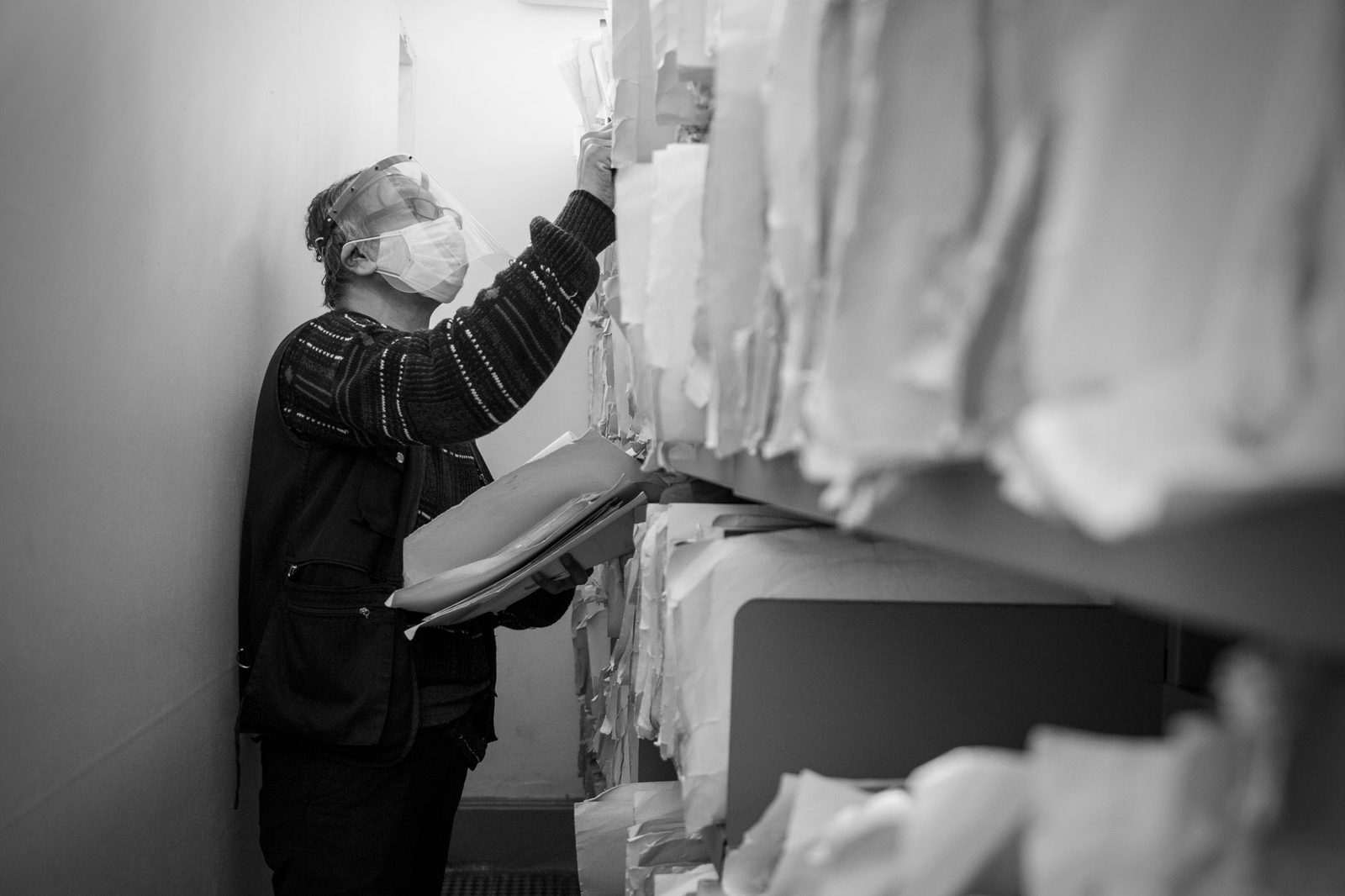
Short answer: in a medical practice, a law firm or an administrative department, leaks of documents sent by fax almost never come from someone intercepting the line. They come from the output tray sitting in a corridor where people walk past, from the number directory that has never been checked, from the cover sheet that already displays the patient's or client's name, and from the absence of any rule about who collects documents from the machine. Professional secrecy — article 226-13 of the French Criminal Code, article 4 of the National Internal Regulations of the legal profession, article R. 4127-4 of the Public Health Code for doctors — does not stop the moment the document comes out of the device. Securing fax transmissions is therefore first and foremost a matter of layout and procedure: move the machine, restrict access, standardise the cover sheet, lock down the address book, and only then consider encryption and paperless reception.
The real risk is not where you think it is
Whenever fax confidentiality comes up, the objection always takes the same form: "it travels unencrypted over the phone network anyway". That is true in principle, and in practice it is the smallest risk. Tapping a switched line requires physical access to the local loop or a judicial warrant. That is not the scenario that fills up the CNIL's case files.
The incidents actually reported look more like this. An imaging report that sits for twelve hours in the tray of a multifunction printer installed in the waiting room of a group practice. A set of submissions addressed to the court registry that goes out to the old number of a colleague who has retired, a number since reassigned to a building company. A cover sheet stating in large letters "Serology results — Mrs Dupont" that stays visible on top of the pile for half a day. An intern who collects documents from the machine "to be helpful" and distributes them around the desks.
None of these events is a cybersecurity matter. All of them are organisational. And all of them constitute, in GDPR terms, a personal data breach: an unauthorised disclosure of data, which must be recorded in the breach register and, where the risk to individuals is high, notified to the CNIL within 72 hours and communicated to the people concerned. When health data is involved, that threshold is quickly reached.
Mapping the chain, from output tray to drawer
Before changing anything, you need to describe what actually happens. The exercise takes an hour and is done by walking around the premises, not in a meeting.
Ask yourself the questions in the order an incoming document travels:
- Where does the machine ring? In a room locked with a key, in a secretarial office, in a space that patients or clients walk through?
- Who can see the tray? Is a waiting document legible from a waiting-room chair, from the reception desk, from the corridor?
- Who collects, and how often? A specifically designated person, or "whoever happens to walk by"?
- What becomes of the document once distributed? Is it scanned then destroyed, stapled into the paper file, left lying on a desk?
- Where does the paper end up? An ordinary bin, a shared recycling box, or secure destruction?
- What does the machine keep in memory? Many multifunction devices retain an image of the most recent documents received along with a detailed log, accessible from the screen or from the device's web interface, often protected by a factory password that has never been changed.
That last question always comes as a surprise. An office multifunction device is a computer with a hard drive: when the fleet is renewed or a leased device is returned, the drive goes with everything on it. The consistent recommendation from the CNIL and ANSSI is to wipe or destroy the storage media before returning equipment.
Five layout measures that solve 80% of the problem
Move the machine, not the people
The most effective measure is also the simplest: confidential faxes must never land in a space accessible to the public. A closed room, a secretarial office with a door, or failing that a dedicated low cabinet whose opening is controlled. When reconfiguring the premises is impossible, a simple lockable mobile pedestal unit placed under the device lets you slide documents into it as soon as they come out, and costs less than half a day of consultancy.
Separate confidential flows from routine ones
Two numbers are better than one. A "general" number given to suppliers, building managers and logistics services; a "confidential" number reserved for colleagues, laboratories and courts, shared sparingly and never printed on public documents. The first can print out on a reception-area machine, the second must land in a protected space or, better still, in a secure named mailbox.
Neutralise the cover sheet
The cover sheet is the blind spot. It is designed to be read from a distance, and that is precisely the problem, since it is the sheet that stays on top of the pile. A proper cover sheet contains the sender, the recipient by role or initials, the number of pages, and a confidentiality notice. It contains neither the reason for the transmission, nor the patient's full name, nor the nature of the examination, nor a legible file number.
Standard wording, to be pasted into the template once and for all:
This document is covered by professional secrecy. If it is not intended for you, reading, reproducing and distributing it are prohibited. Please destroy all pages and immediately notify the sender at the number shown above.
Lock down the number directory
Dialling the wrong number is the leading cause of incidents, and we have devoted a dedicated article to it: see the 72-hour action plan. As a preventive measure, three rules are enough: only use saved and verified entries, prohibit manual entry for sensitive transmissions, and purge the directory once a year by checking each entry against the official directory of the organisation concerned. A bound control logbook, recording the date, recipient and verification, remains the most reliable format for documenting this purge — A4 bound record-keeping notebooks do the job perfectly and last for years.
Treat paper as data
A document that has been received and scanned no longer needs to exist on paper. Destruction must be immediate and irreversible: a cross-cut shredder rated P-4 at minimum, placed next to the machine rather than at the far end of the corridor, radically changes behaviour. The shared recycling bin is not destruction.
What the GDPR concretely expects from a practice
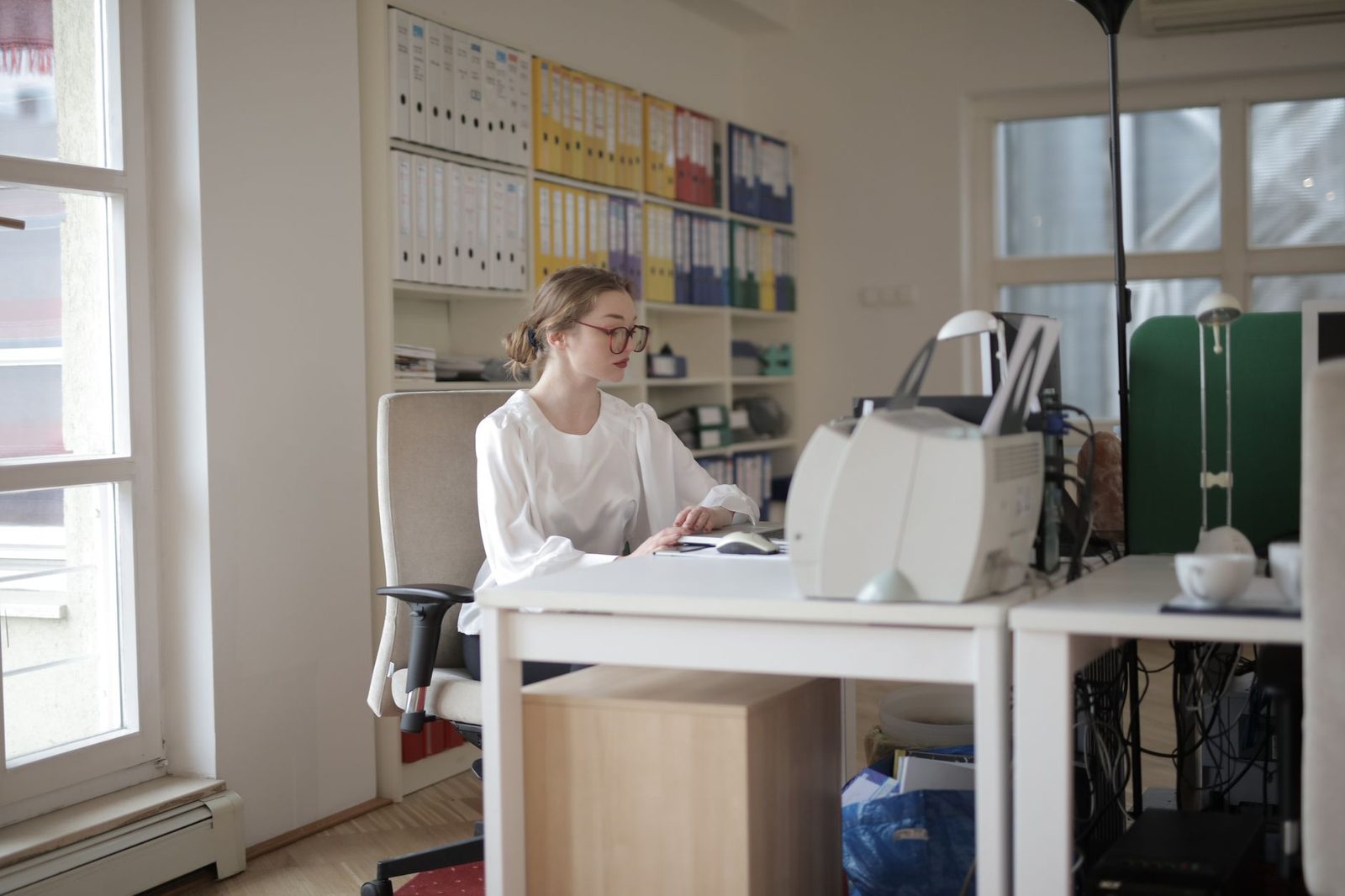
Fax is not prohibited, contrary to what is sometimes claimed. It is a processing operation like any other, subject to articles 5 and 32 of the GDPR: integrity, confidentiality, technical and organisational measures appropriate to the risk. "Appropriate" is the key word: nobody expects a two-person practice to deploy the arrangements of a hospital, but they do expect it to have thought things through and written them down.
What you must be able to show in the event of an inspection:
| Item | What is expected | Where to formalise it |
|---|---|---|
| Record of processing activities | A line for "transmission of documents by fax" with purpose, data categories, retention period | The practice's GDPR record |
| Authorisations | Who collects from the machine, who has access to the directory, who administers the device | Signed internal memo |
| Transmission log | Retention of transmission reports and their duration | Archiving procedure |
| Breach register | Every wrong-recipient error recorded, even without notification to the CNIL | Dedicated register |
| End of equipment life | Wiping or destruction of the multifunction device's hard drive | Maintenance contract |
For healthcare professionals, there is the additional specific framework of health data hosting and secure messaging. The digital health doctrine promoted by the Agence du Numérique en Santé has for several years pushed towards MSSanté for exchanges between professionals: fax is tolerated there as a fallback solution, not as a primary channel. The topic is developed in our article on medical faxing and health data.
The special case of shared premises and remote working
Two configurations deserve separate attention.
The group practice or shared workspace. When several practitioners or several organisations share a secretarial office and a device, professional secrecy is not shared along with them. A shared secretary must be bound by a written confidentiality clause, and the organisation must provide for sorting at source: colour-coded folders per practitioner, closed named pigeonholes, or failing that opaque envelopes. Opaque flap folders per practitioner cost a few euros and prevent accidental reading by a colleague who has no business knowing the file.
Remote working. Receiving your faxes at a personal email address checked from a family computer is a bad idea that the recent period has normalised. If paperless reception is necessary — and it often is — it must be done on a professional account, with two-factor authentication, on a dedicated machine. A physical FIDO2 security key for two-factor authentication remains the most robust way to protect that mailbox, and a privacy screen filter prevents anyone reading over your shoulder on a train or in a coworking space.
What paperless reception changes
Moving from a paper machine to an online fax service shifts the risks rather than eliminating them, but it shifts them in the right direction: you replace a layout problem, which is hard to control, with an account management problem, which can be steered.
The gains are real. No more documents waiting in a tray. Time-stamped traceability of transmissions and receipts. Named, revocable access rights. The ability to archive straight into the electronic file without an intermediate scanning step — a subject we cover in our guide on archiving faxes and their evidential value.
The new points to watch are the classic ones: where is the data hosted, under which jurisdiction, how long does the provider retain the documents transmitted, does it offer a processing agreement compliant with article 28 of the GDPR, and for health data does it hold Health Data Host (HDS) certification? These questions should be asked before signing, not after an incident. Our FAQ sets out the criteria to check with a provider, and the available countries page specifies the destinations covered.
Frequently asked questions
Can a received fax be left in the tray overnight?
No, not if the document contains personal data and the room is not locked. The practical rule: either the machine is in a locked room when nobody is present, or it is emptied before closing time. A device that prints during the night in an unsecured space is a permanent risk.
Should faxes be encrypted?
Traditional faxing cannot be encrypted end to end. That is a strong argument in favour of paperless solutions, where the transmission between you and the provider runs over TLS and where storage can be encrypted. For exchanges between healthcare professionals, secure messaging remains preferable to fax as soon as both parties have it available.
What should I do with a stack of old paper faxes?
Three options: file the document if it has evidential value, scan it under a reliable procedure and then destroy it, or destroy it outright if the retention period has expired. Sorting is done file by file, never in bulk. For scanning, see our rules on reliable copies.
Does a confidentiality notice at the bottom of the page offer legal protection?
It prevents nothing in practical terms, but it has two useful effects: it makes it hard for a bad-faith third party to plead ignorance, and it demonstrates that you have taken an organisational measure, which counts when the CNIL or a judge assesses your diligence.
Does staff need specific training?
Yes, and it can take twenty minutes a year. A written one-page reminder, posted next to the device, is worth more than an annual training session forgotten the next day. A practical GDPR guide aimed at small businesses, left available in the secretarial office, helps frame the message without jargon.
In summary
- Fax leaks come from layout and habits, not from the phone line.
- Place the device in a space not accessible to the public, or move documents immediately into a locked cabinet.
- Separate a "general" number from a restricted-circulation "confidential" number.
- The cover sheet must never reveal the reason, the examination or the full name.
- Only send from verified directory entries, and purge that directory once a year.
- Destroy paper on the spot with a cross-cut shredder, never in the recycling bin.
- Wipe the multifunction device's hard drive before any return or resale.
- Record every wrong-recipient error in the breach register, even without notification.
- With paperless services, check hosting, the article 28 processing agreement and HDS certification for health data.